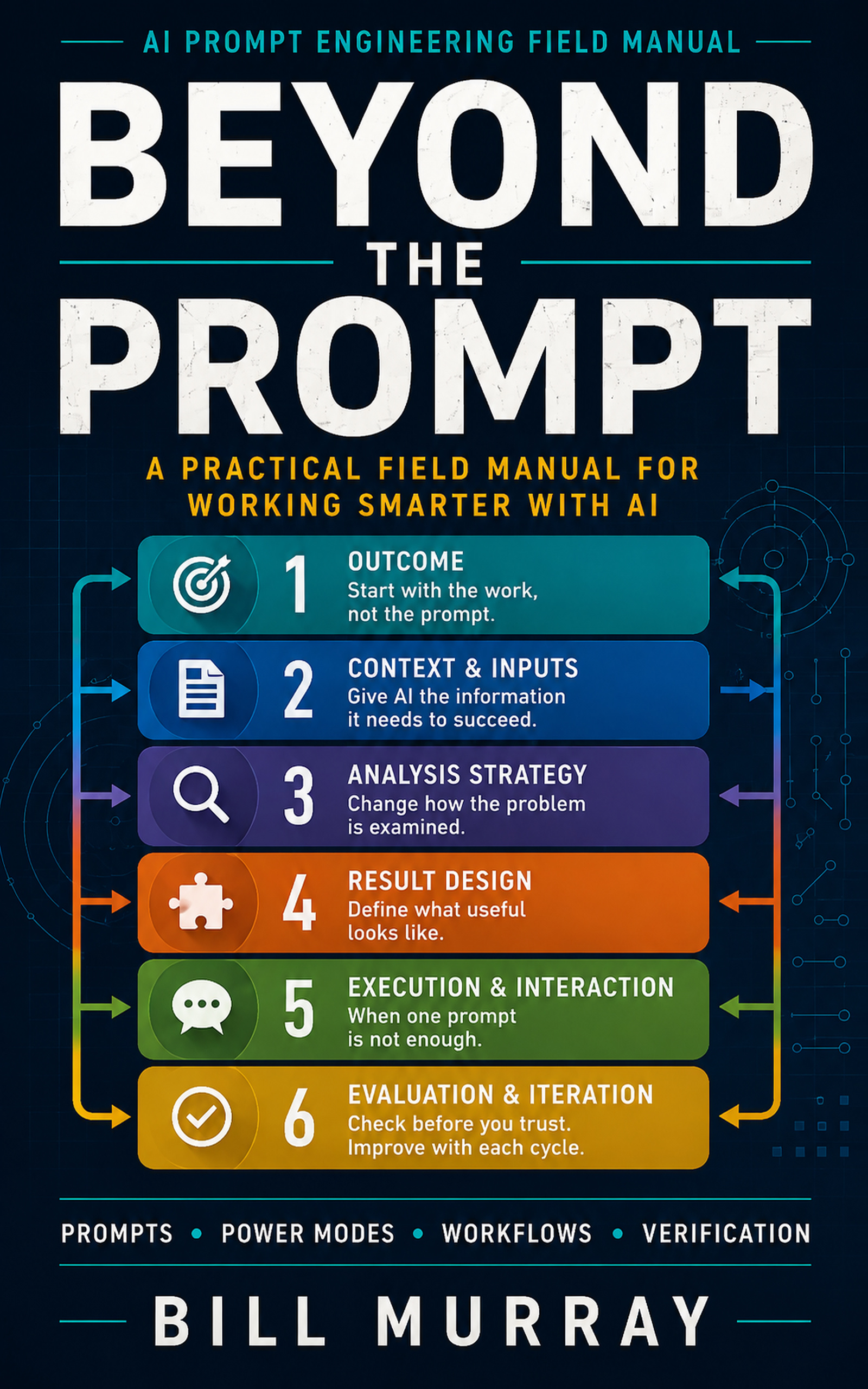
Prompt Builderby Beyond the Prompt
Build better prompts.
Get better results.
Start with natural language. Add only what the work requires.
Free • No signup required • Your files are not uploaded
Describe the work
One box and two choices is enough — everything else is optional.
Try it: “Create an executive project status report from my meeting notes.”
We’ll recommend a Power Mode when one would improve the result.
Your prompt builds here
Describe the work and choose the stakes. The prompt appears as you type and rebuilds whenever you change something — pressing Build My Prompt is only ever a refinement.
- Outcome
- Context and Inputs
- Analysis Strategy
- Result Design
- Execution and Interaction
- Evaluation and Iteration
What Prompt Builder does
Describe what you need. Prompt Builder helps structure the instructions, choose the right Power Mode when useful, and create a complete prompt for ChatGPT, Claude, Gemini, or another AI.
Not sure which you need? Browse the 15 Power Modes → — what each one does, and when not to use it.
Questions, ideas, or feedback?
Have a question about the Prompt Builder, an idea for improving it, or feedback from using it? Email me at bill@powerpromptbuilder.com or bmurrayjr67@gmail.com. I read every one.